Converts a WordPress export file into Markdown files that are compatible with static site generators ([Eleventy](https://www.11ty.dev/), [Gatsby](https://www.gatsbyjs.org/), [Hugo](https://gohugo.io/), etc.).
Each post is saved as a separate Markdown file with frontmatter. Images are also downloaded and saved. Embedded content from YouTube, Twitter, CodePen, etc. is carefully preserved.
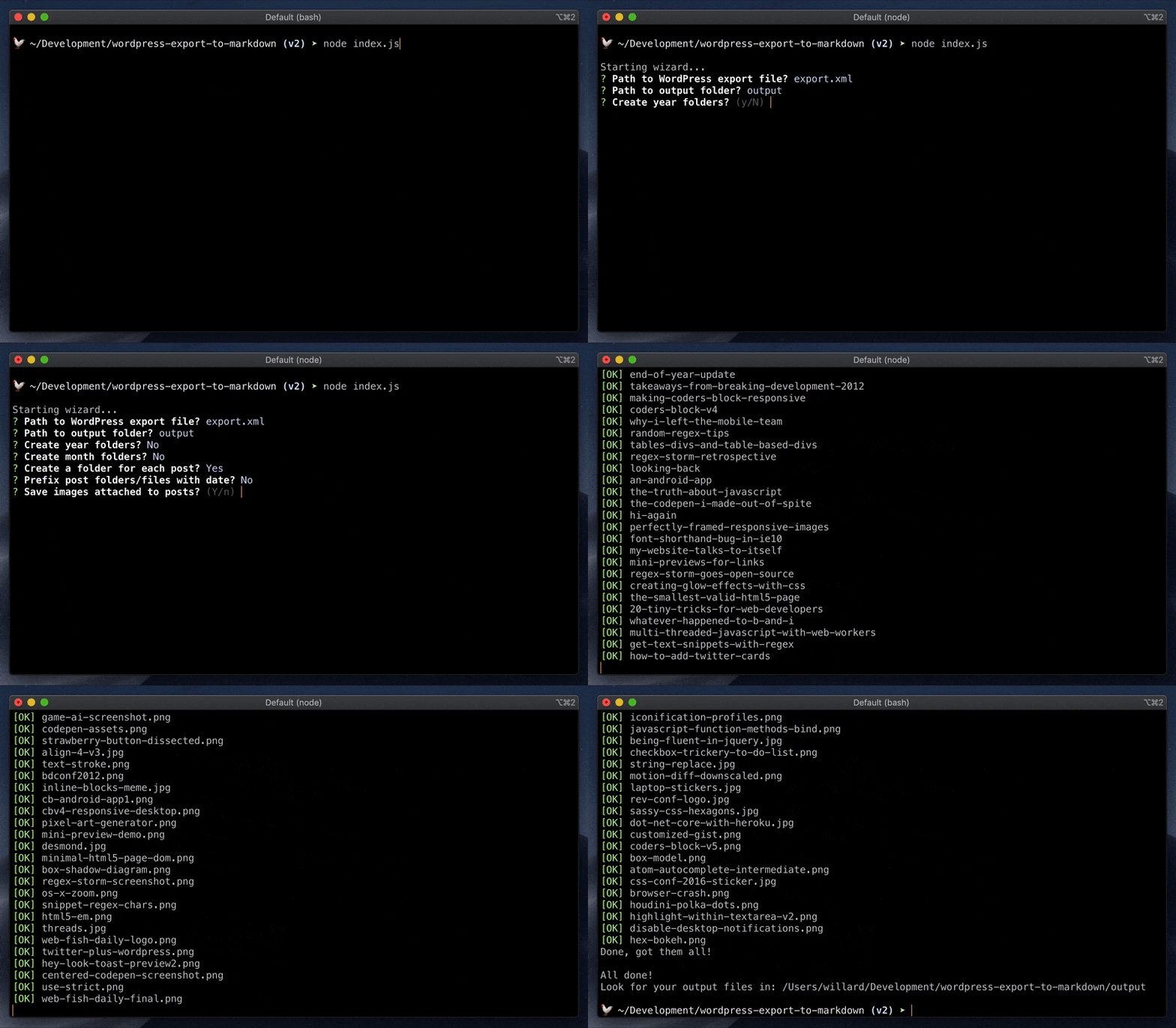
Options can also be configured via the command line. The wizard will skip asking about any such options. For example, the following will give you [Jekyll](https://jekyllrb.com/)-style output in terms of folder structure and filenames.
The wizard will still ask you about any options not specified on the command line. To skip the wizard entirely and use default values for unspecified options, add `--wizard=false`.
Enable to have the script prompt you for each option. Disable to skip the wizard and use default values for any options not specified via the command line.
The path to the WordPress export file that you want to parse. It is recommended that you drop your WordPress export file into the same directory that you run this script from so it's easy to find.
Whether or not to organize output files into folders by month. You'll probably want to combine this with `--year-folders` to organize files by year then month.
Whether or not to save files and images into post folders.
If `true`, the post slug is used for the folder name and the post's Markdown file is named `index.md`. Each post folder will have its own `/images` folder.
If `false`, the post slug is used to name the post's Markdown file. These files will be side-by-side and images will go into a shared `/images` folder.
Either way, this can be combined with with `--year-folders` and `--month-folders`, in which case the above output will be organized under the appropriate year and month folders.
Whether or not to download and save images attached to posts. Generally speaking, these are images that were uploaded by using **Add Media** or **Set Featured Image** when editing a post in WordPress. Images are saved into `/images`.
Whether or not to download and save images scraped from `<img>` tags in post body content. Images are saved into `/images`. The `<img>` tags are updated to point to where the images are saved.
### Include custom post types and pages?
- Argument: `--include-other-types`
- Type: `boolean`
- Default: `false`
Some WordPress sites make use of a `"page"` post type and/or custom post types. Set this to `true` to include these post types in the results. Posts will be organized into post type folders.
You can edit [settings.js](https://github.com/lonekorean/wordpress-export-to-markdown/blob/master/src/settings.js) to tweak advanced settings. This includes things like customizing frontmatter fields and throttling image downloads.
